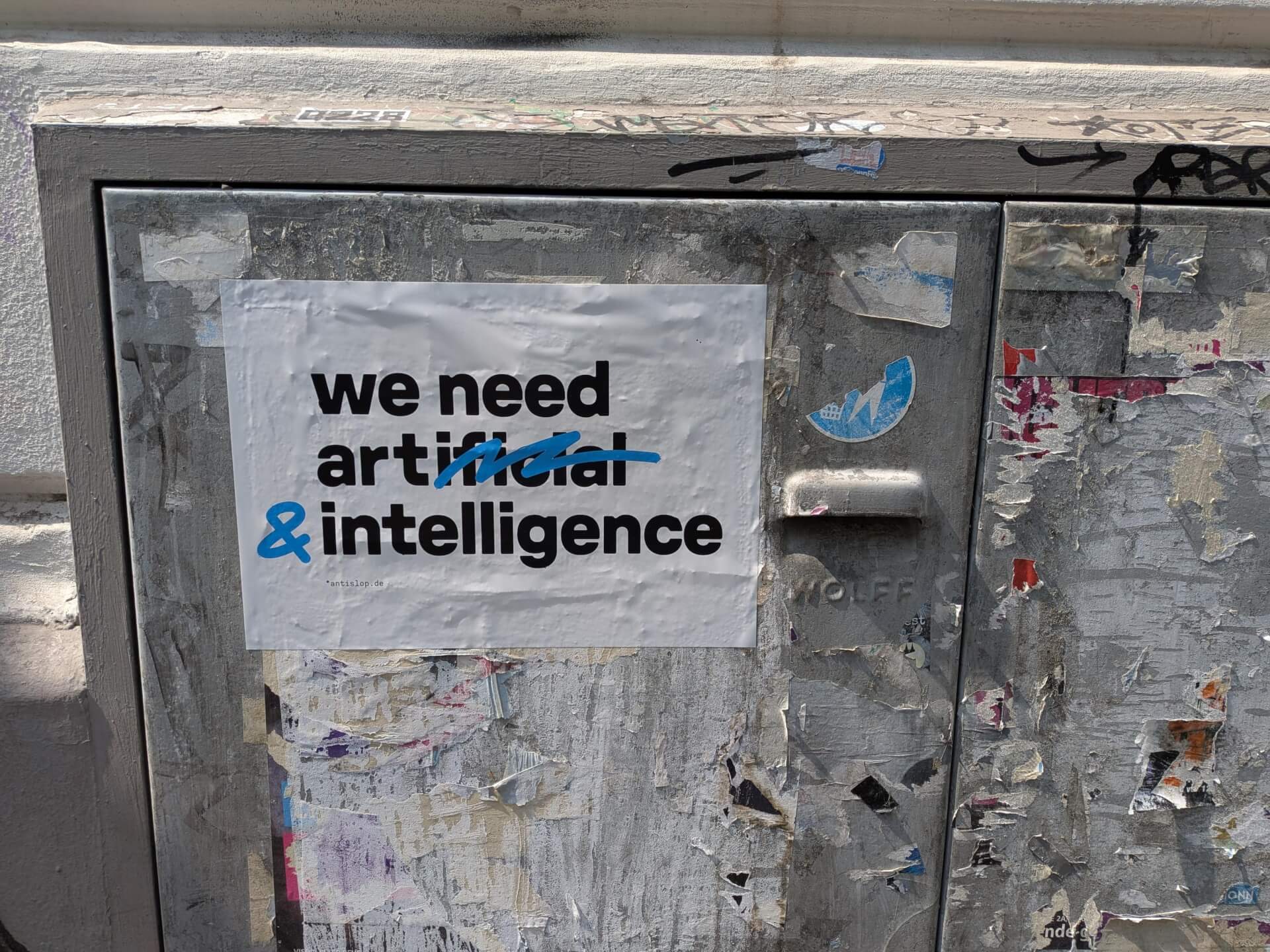
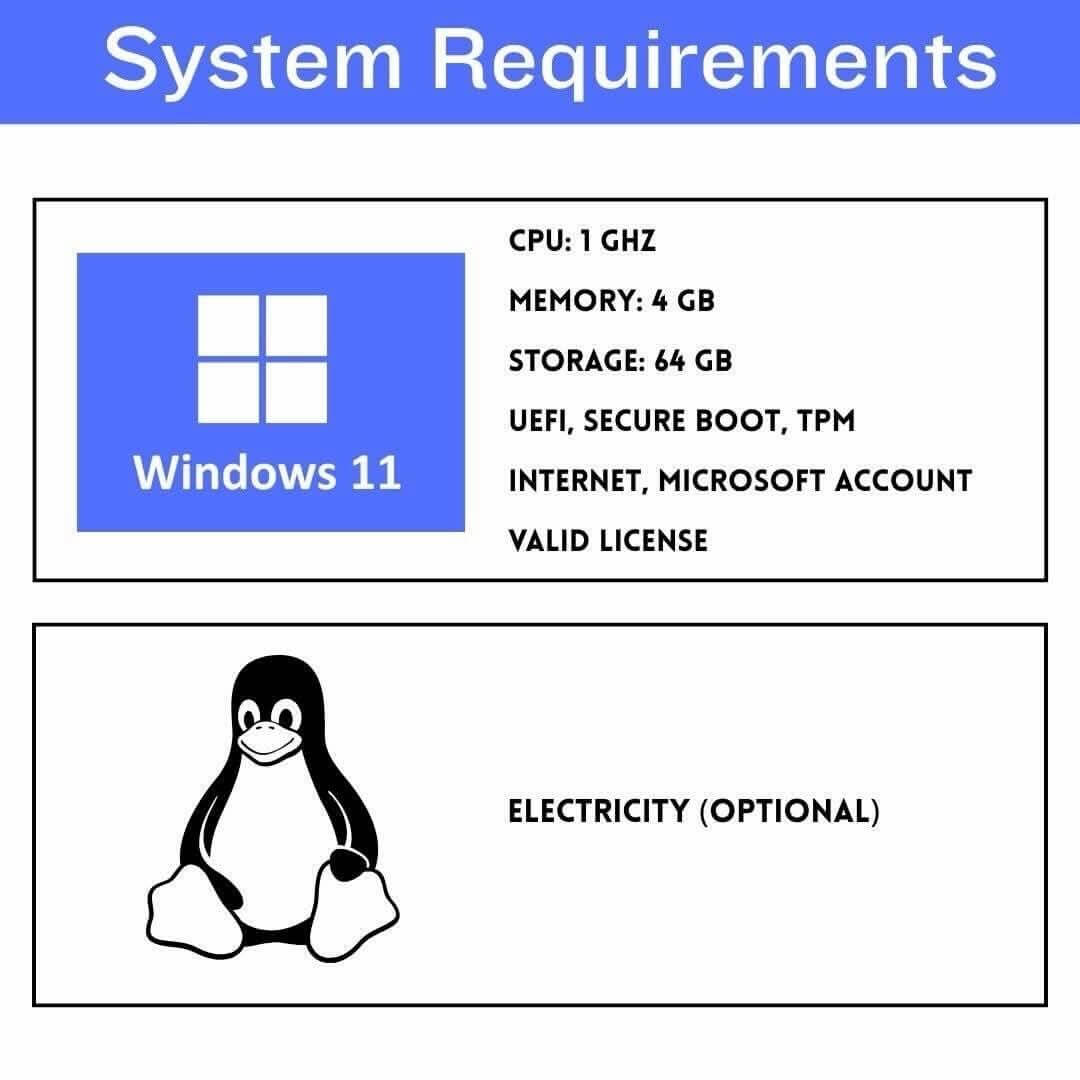
Cet article est une republication, avec l’accord de l’auteur, Hubert Guillaud. Il a été publié en premier le 07 avril 2026 sur le site Dans Les Algorithmes sous licence CC BY-NC-SA.
Tout l’été, profitez de republications de « Dans Les Algorithmes » ! Rendez-vous tous les dimanches de juillet et d’août pour réfléchir, ensemble, sur les enjeux de l’Intelligence Artificielle.
Pour déployer une autre IA, il nous faut une autre structure d’entreprises pour les porter, défendent Trebor Scholz et Mark Esposito.
Les discussions sur les strates qui constituent le réseau sont nourries, d’autant qu’elles interrogent profondément les enjeux de souveraineté technologique. La souveraineté numérique est un concept flou qui fait l’objet de beaucoup d’instrumentalisations, rappelait avec pertinence l’association Data For Good. Bien souvent, être souverain en la matière implique d’être autonome sur toutes les couches de l’industrie numérique. Un objectif impossible tant les dépendances sont partout, des logiciels au matériel, des ressources aux infrastructures, des conditions juridiques aux financements. Comme l’expliquait la chercheuse Ophélie Coelho dans son livre, Géopolitique du numérique (éditions de l’Atelier, nouvelle édition 2025) l’enjeu est bien plus de déterminer les secteurs et les couches sur lesquels nous devons reprendre le contrôle. Pour le dire autrement, l’enjeu n’est pas tant d’avoir des produits totalement souverains, que de comprendre là où la souveraineté doit s’exercer et comment.
Construire la strate de l’autonomie
Cette autonomie stratégique à laquelle aspirer est très souvent présentée comme un enjeu nationaliste ou patriotique, qui confond la souveraineté avec le leadership technologique, sans toujours voir que ces leaderships peuvent reposer sur des dépendances innombrables, à l’image de l’enjeu à déployer des centres de données sur le territoire au prétexte de souveraineté, sans questionner le fait que leur financement ou leurs équipements puissent être totalement entre les mains d’acteurs étrangers.
L’IA est en passe de devenir une couche supplémentaire dans le mille-feuille des couches sociotechniques du numérique. Et elle requestionne en profondeur ces enjeux, explique Raffi Krikorian, directeur technique de Mozilla, dans une tribune pour Rest of World. « Dans un monde de plus en plus polarisé et protectionniste, où les plateformes technologiques sont de plus en plus instrumentalisées par les politiques étatiques, construire des infrastructures nationales critiques sur des systèmes dont on n’est pas propriétaire, que l’on ne peut ni auditer ni adapter, représente un risque considérable et croissant. Ce défi comporte une dimension tant économique que politique. Un État soucieux de sa souveraineté en matière d’IA en 2026 ne pourra pas justifier de manière crédible le financement d’une infrastructure d’IA étrangère et verticalement intégrée tout en négligeant les investissements dans des alternatives nationales et open source. Investir dans les hyperscalers peut minimiser les coûts à court terme, mais cela consolide également les rentes numériques versées à des entités étrangères, maximise la dépendance à long terme envers des partenaires peu fiables et augmente considérablement les coûts de sortie. Si les gouvernements financent la dépendance, c’est bien la dépendance qu’ils obtiendront. »
Pour Raffi Krikorian pourtant, l’enjeu n’est pas tant de construire une souveraineté de l’IA nationaliste, que de bâtir des Communs maîtrisés. « L’absence actuelle de financements privés à grande échelle pour les infrastructures d’IA ouvertes reflète leur nature de bien public, et non leurs capacités. Les modèles open source atteignent déjà couramment 90 % ou plus des performances des systèmes propriétaires, pour un coût bien moindre. Investir dans les cadres d’IA ouverts, c’est investir dans les infrastructures publiques numériques, car cela génère des avantages grâce à des coûts réduits, au maintien de l’autonomie politique et à des gains de productivité à l’échelle de l’économie. L’IA ouverte offre également ce que les systèmes propriétaires ne peuvent pas : la légitimité démocratique. Les pays ne créent pas de valeur en revendant des solutions étrangères, mais en développant des produits différenciés sur des bases partagées, ouvertes et moins coûteuses. Il s’agit d’une politique industrielle qui encourage la concurrence et le développement des compétences nationales, et non d’un rejet de l’industrie nationale. »
« Internet n’est pas né de la seule initiative d’acteurs privés, mais d’investissements publics soutenus dans les technologies ouvertes. De Linux à Apache, les fondations open source partagées sont devenues l’épine dorsale de l’économie numérique mondiale, favorisant l’innovation privée tout en empêchant la mainmise sur l’infrastructure. Du CERN à Airbus en passant par Galileo, la leçon est claire : lorsque les États cofinancent des fondations ouvertes ou partagées, l’innovation privée prospère. En revanche, lorsqu’ils financent l’accès, la dépendance s’accentue. L’IA se trouve précisément à ce tournant. »
Souveraineté ne rime pas avec isolement, rappelle-t-il. « Les coûts de développement de l’IA open source peuvent être partagés. Comme l’a déclaré le Premier ministre canadien Mark Carney à Davos : « Investir collectivement dans la résilience coûte moins cher que de construire sa propre forteresse. » L’enjeu n’est pas que chaque pays construise son propre jardin clos. Il appartient aux nations de collaborer autour de standards ouverts et d’infrastructures partagées, en rejetant la fausse dichotomie entre dépendance et isolement des plateformes, et en construisant plutôt un avenir de l’IA qu’elles maîtrisent réellement. »
« Si nous voulons des écosystèmes d’IA résilients, ouverts et fiables, nous devons les financer comme tels – non par idéalisme, mais comme un investissement concret dans la souveraineté, la résilience et la légitimité démocratique. Les pays qui aspirent à la souveraineté en matière d’IA doivent participer à ce débat, non pas en simples observateurs, mais en tant que co-investisseurs et co-constructeurs. Plus nous attendons, plus il sera difficile de changer de cap », conclut le responsable de Mozilla en appelant à construire des protocoles plus que des plateformes, des cadres ouverts plus que des solutions, des systèmes de valeurs plus que des contraintes économiques ou techniques. Une proposition qui rappelle que c’est bien le cadre de la souveraineté qu’il faut discuter, pour comprendre là où nous pouvons avoir des dépendances et là où nous devons les refuser. L’enjeu n’est pas de construire des investissements nationaux mais bien d’investir dans des infrastructures communes porteuses de valeurs démocratiques et émancipatrices, libres et ouvertes. « La souveraineté en matière d’IA ne viendra pas de la location des modèles des géants de la tech ». Elle ne viendra pas des factures de tokens des systèmes d’IA des grands acteurs de la Tech. Elle consiste d’abord à construire une autre tech, non pas nationaliste ou patriotique, mais qui promeut une souveraineté distribuée, choisit, capacitante.
La coopération comme architecture solidaire
On se souvient que, récemment, l’économiste Francesca Bria avait évoqué le risque d’une soumission à une strate autoritaire fomentée par les géants de la Silicon valley : « derrière les strates qui composent le réseau, comme l’avait défini Benjamin Bratton dans son livre, Le Stack (UGAP, 2020), comme autant de régimes de souveraineté qui se superposent et s’imbriquent, la strate autoritaire semble l’envers de la proposition d’autonomie stratégique que propose EuroStack ». Mais le risque est bien, sous couvert de souveraineté, de produire des strates nationalistes voire militaristes, comme semble le proposer l’annonce récente d’un « Deutchland Stack » Allemand.
D’où l’importance de faire un pas de côté.
C’est la piste que proposent les chercheurs Trebor Scholz et Mark Esposito dans la revue d’innovation sociale de Stanford. Pour contrebalancer l’extractivisme des plateformes, « nous avons besoin de construire la strate solidaire de l’empilement numérique ». Lorsque les systèmes technologiques sont conçus uniquement pour l’extraction et l’efficacité, ils isolent et brisent les personnes qui les font vivre, rappellent les deux chercheurs. L’exploitation des travailleurs du clic par exemple est le « symptôme d’une industrie structurée pour transférer les risques vers le bas via des chaînes contractuelles opaques, tout en concentrant les profits et le contrôle au sommet ». Pour Scholz et Esposito, « sans intervention délibérée, ces logiques d’extraction se généraliseront à l’échelle mondiale, concentrant encore davantage le pouvoir entre les mains des plus puissants, à moins que nous ne choisissions de construire un système fondamentalement différent ». Jusqu’à présent, les chercheurs invitaient à investir dans des entreprises inclusives, dans des coopératives de travailleurs, que Scholz a beaucoup défendu. Trebor Scholz est professeur à la New School for Social Research de New York depuis 2009. Il est l’un des premiers à s’être attelé à analyser le phénomène du Digital Labor (Routledge, 2013). Il est aussi l’un des promoteurs du coopérativisme de plateformes (voir par exemple notre article de 2015), notamment dans son livre Le coopérativisme de plateformes (FYP, 2017) ainsi que dans Own this ! (Verso, 2023). Il est également le fondateur du Platform Cooperativism Consortium un réseau de promotion du mouvement coopérativiste, qui organise notamment des conférences sur la coopération, comme celle sur l’IA coopérative qui se tenait il y a peu à Istanbul. Pourtant, écrit-il dans son article, « la réponse aux méfaits de l’IA ne peut se limiter à la régulation des plateformes dominantes ».
En fait, la concentration du pouvoir des géants du numérique rend de plus en plus vulnérables même les institutions internationales les plus critiques aux politiques autoritaires et aux pressions des dirigeants, comme l’illustre la dépendance de la Cour pénale internationale à l’égard de l’infrastructure Microsoft face aux menaces proférées sous l’administration Trump. Les coopératives, les institutions publiques et les mouvements sociaux doivent donc activement construire et connecter des alternatives grâce à ce que Scholz appelle la « pile de solidarité », une économie numérique coopérative émergente.
« L’extraction ne se résume pas à des algorithmes biaisés ou à des violations de la vie privée. C’est un problème structurel : l’IA actuelle fonctionne grâce à ce que nous appelons une « strate d’extraction » verticalement intégrée, comprenant le matériel, l’infrastructure cloud, les modèles, la main-d’œuvre et les applications. Seules quelques entreprises contrôlent la construction, la gouvernance et l’utilisation de ces technologies et les personnes qui en dépendent n’ont aucun droit de regard démocratique. »
Les critiques et les régulateurs soulignent à juste titre que les seules directives éthiques ne peuvent résoudre les problèmes posés par la logique extractiviste des plateformes. Les systèmes d’IA reposent sur des modèles de propriété, des chaînes d’approvisionnement et des architectures techniques qui privilégient le profit, le passage à l’échelle et le contrôle. « Ces incitations structurelles déterminent la collecte des données, le traitement des travailleurs, les décideurs et les bénéficiaires de la création de valeur, privant ainsi les directives éthiques de tout pouvoir pour remettre en cause la logique sous-jacente du système. Une IA démocratique ne peut se contenter de louer un espace sur la strate extractiviste ! Elle exige que les travailleurs, les communautés, les coopératives et les institutions publiques se réapproprient l’infrastructure elle-même, couche par couche, de la terre au nuage. »
Scholz et Esposito plaident pour construire une architecture solidaire. Un défi qui nécessite de rejeter la notion d’intelligence artificielle, qui sous-entend une force magique et autonome, au profit d’une intelligence collective, reconnaissant le travail humain et le savoir partagé qui alimentent ces systèmes. Cependant, parvenir à la coordination nécessaire pour contester les monopoles mondiaux de l’IA demeure un défi de taille. Même des organisations établies comme l‘Alliance coopérative internationale, qui représente un mouvement d’environ un milliard de membres et des milliers de coopératives employant près de 10 % de l’emploi mondial, sont structurées principalement pour la représentation et le plaidoyer plutôt que pour la coordination et l’exploitation d’une infrastructure numérique partagée.
De la gouvernance coopérative…
Pour les deux chercheurs, plusieurs initiatives menées par des communautés, des coopératives et des institutions publiques permettent déjà de reprendre le contrôle de ces niveaux économiques, notamment des ressources, des infrastructures, des données, du travail comme du savoir.
Une approche solidaire exige des chaînes d’approvisionnement transparentes, la propriété communautaire des ressources minérales et des mécanismes de partage équitable des bénéfices. Elle permettrait également de distribuer l’infrastructure sur des serveurs fédérés, appartenant à la communauté et interconnectables sans contrôle central. Butler Rural Electric offre un précédent historique éloquent. Fondées dans les années 1930 avec le soutien du gouvernement fédéral et une gouvernance coopérative, les coopératives électriques rurales ont permis aux communautés de financer, construire et gérer leur propre infrastructure énergétique, un modèle qui continue aujourd’hui de fournir de l’électricité à environ 42 millions de personnes dans les zones rurales américaines. Des coopératives numériques telles que Hostsharing eG en Allemagne et Som Connexio en Espagne, ainsi que plusieurs coopératives de vente au détail au Royaume-Uni, appliquent cette même logique en mutualisant les ressources de leurs membres, en utilisant une gouvernance coopérative et en collaborant avec des partenaires publics pour construire et exploiter une infrastructure numérique partagée. Cela permet aux communautés de réduire leur dépendance aux fournisseurs de cloud propriétaires, de conserver le contrôle local de leurs données et d’assumer la responsabilité de la gestion des coûts environnementaux liés à la consommation d’énergie. Bien que ces initiatives soient explicitement expérimentales et de portée modeste, elles suggèrent que la capacité de calcul peut fonctionner comme un bien public. Les décideurs politiques et les responsables municipaux pourraient même appliquer ce modèle pour créer une option publique d’accès à la puissance de calcul.
Dans le modèle d’extraction, les données personnelles sont une matière première prélevée auprès des utilisateurs pour alimenter des modèles propriétaires. Cette logique considère les individus non pas comme des participants ou des détenteurs de droits, mais comme des sources passives de valeur. Le modèle de solidarité, lui, réinvente les données comme une ressource partagée, gérée démocratiquement. Par exemple, MIDATA, une plateforme suisse de données de santé détenue et gérée par des patients agit comme une fiducie pour ses membres. Elle maintient une infrastructure sécurisée permettant aux patients de consulter leurs données agrégées et de décider démocratiquement de les partager ou non à des fins de recherche médicale. MIDATA démontre qu’il est possible de créer des ensembles de données de haute qualité, issus de sources éthiques, sans surveillance. Les membres partagent volontairement leurs données car ils font confiance à la gouvernance et à la gestion des données de la coopérative, ce qui élimine le besoin d’extraction ou de surveillance coercitive.
Au travail, l’IA implique une rétroaction entre contenus et modérateurs. Les travailleurs étiquettent, examinent, corrigent et leurs décisions enregistrées sont utilisées par les systèmes pour reconnaître, classer, améliorer. Ce processus contraint les individus à absorber le fardeau psychologique des contenus. Dans le modèle solidaire, ces travailleurs ont des garanties de salaires, de droits, bénéficient de soutiens… et pilotent la gouvernance de leurs outils et missions, comme c’est le cas de nombreuses coopératives de travailleurs, comme celle de la Gamayyar African Tech Workers au Kenya, Facttic en Argentine, Outlandish à Londres… et de nombreuses autres (comme la plateforme danoise Hilfr qu’on avait évoqué dans notre article sur les plateformes du secteur du nettoyage).
… à l’IA coopérative
Scholz et Esposito proposent d’appliquer les principes coopératifs à l’IA. « L’accès à l’IA seul est insuffisant quand les outils fonctionnent comme des boîtes noires, incapables d’expliquer ou de remettre en question leurs résultats, et si leurs valeurs reposent sur des principes imposés plutôt que sur des valeurs démocratiquement établies. L’approche solidaire propose de réhabiliter le domaine du savoir comme un espace de gouvernance collective, favorisant l’explicabilité, la contestabilité, des normes partagées » pour construire d’autres IA.
AI4Coops, en Argentine, est une initiative de petite envergure qui réunit des praticiens et des technologues du monde coopératif afin d’étudier comment l’intelligence artificielle pourrait soutenir la gouvernance coopérative et l’apprentissage partagé. Elle veille à ce que la culture algorithmique ne soit pas réservée aux institutions d’élite ni concentrée au sein des géants de la technologie, mais soit largement accessible aux travailleurs, aux coopératives et aux communautés. Elle développe des outils d’IA adaptés à des problématiques locales avec des acteurs locaux, comme des systèmes de reconnaissance d’images pour du contrôle qualité dans une usine, un système d’analyse d’images satellites pour des coopératives agricoles… La coopérative britannique Animorph développe des outils de réalité augmentée pour la prise en charge de la démence, utilisant la narration immersive et des supports visuels pour soutenir la mémoire, la communication et le lien affectif des personnes atteintes de démence et de leurs aidants. Puisqu’elle est détenue par ses employés, elle refuse de monétiser la vulnérabilité des patients et conçoit des outils qui privilégient les soins aux indicateurs d’engagement. « Ces exemples montrent que l’IA au service du bien commun ne saurait se réduire à de la simple posture vertueuse, à du marketing éthique, ni à des formes d’écoblanchiment ou de blanchiment d’image. La construction d’une infrastructure solidaire exige que les modèles économiques alternatifs soient véritablement ancrés dans la démocratie au travail, la propriété partagée et une gouvernance responsable », expliquent les chercheurs. Ces modèles locaux ont d’autres vertus encore, comme la souveraineté linguistique, la maîtrise des processus, la sobriété…
Reste que, comme nous le disions, « les plateformes coopératives, qui privilégient les pratiques éthiques, des normes de travail et sociales plus élevées, peinent à être compétitives. L’absence de législation spécifique aggrave ce problème, permettant aux plateformes capitalistes d’opérer en toute impunité et de saper les efforts des acteurs de bonne foi, tels que les coopératives de plateformes. » Pour Scholz et Esposito également, l’infrastructure solidaire nécessite, pour émerger et s’imposer, une articulation stratégique des politiques, des financements et de l’organisation communautaire. Il faut que les développeurs technologiques « s’accordent régulièrement sur des principes partagés, l’interdépendance matérielle, des institutions durables, des rituels et un récit politique commun que les individus choisissent consciemment de défendre, notamment sous pression ».
Ici, Scholz et Esposito prennent l’exemple des organisations autonomes décentralisées (DAO), où la blockchain aide à formaliser la gouvernance partagée. Pas sûr que l’exemple soit convaincant, tant le mouvement est devenu à bien des égards problématique. Par contre, ils pointent vers le Public AI Network, un réseau de défense et promotion d’une IA publique intégrée, « qui fournirait des services d’IA au même titre que l’électricité ou l’eau », accessible à tous, contrainte à rendre des comptes, durable, fiable. Ou encore le projet Lestac AI en France, pour tester des services d’IA écoresponsables. Ou le modèle multilingue et open source Apertus, développé par l’École polytechnique fédérale de Zurich (EPFZ) et l’École polytechnique fédérale de Lausanne (EPFL)… Le protocole OpenCourier, par exemple, crée une base technique commune permettant aux plateformes de livraison gérées par leurs travailleurs de se connecter et de collaborer. Ou encore le projet d’IA coopérative du réseau des collectivités locales britanniques qui s’engage à respecter les principes coopératifs et démocratiques dans la prestation de services publics.
Pour Scholz et Esposito, ces « cercles » de strates solidaires, locales, conçoivent le développement d’infrastructures comme une forme d’action politique collective, que ce soit par le biais de fiducies de données municipales, de services cloud coopératifs ou de modèles linguistiques gérés publiquement. « Le discours dominant sur l’IA laisse faussement entendre qu’un contrôle centralisé par les entreprises est inévitable. Pourtant, des modérateurs de contenu au Kenya, des gestionnaires de données en Suisse et d’autres encore démontrent que les composantes d’un avenir numérique démocratique sont déjà présentes. Notre mission est de les relier et, ce faisant, d’exercer notre pouvoir d’agir, de refuser le désespoir et de créer un système où la technologie est au service de la majorité. »
Hubert Guillaud
Signalons encore que dans le syllabus (.pdf) du cours qu’il a donné au premier semestre à la New School sur le thème d’une « IA sans patrons », Trebor Scholz pointait encore vers bien d’autres exemples. En estimant que les infrastructures solidaires peuvent être mises en place à chaque niveau de la chaîne d’approvisionnement mondiale de l’IA, il évoquait les mines coopératives au Pérou, en Colombie, en Zambie ou en Mongolie, ou des centres de données coopératifs en Allemagne ou aux Pays-Bas. Il signalait par exemple, la tribune de la doctorante Tara Merk, contributrice au Metagovernance Project, sur les limites de projets de centres de données coopératifs. Face aux data centers dominés par les géants de la Tech, Merk défendait « une plus grande diversité dans la propriété et la gouvernance des centres de données », notamment coopératifs. « Et si les centres de données étaient détenus et gérés de manière coopérative par les personnes vivant à proximité immédiate et souvent directement desservies par eux ? » Dans ce modèle, les opérateurs citoyens pourraient recevoir une part des bénéfices générés par le centre de données (à l’instar des parcs éoliens citoyens). Cela entraînerait une redistribution indirecte des bénéfices générés par les données des utilisateurs en ligne – une idée qui prend d’autant plus d’importance que ces données gagnent en valeur à l’ère de l’IA. Les centres de données coopératifs offriraient également aux citoyens un meilleur contrôle sur l’impact de ces infrastructures sur leur environnement physique local. Par exemple, les citoyens pourraient décider si et quand la quantité d’énergie ou d’eau utilisée par le centre de données entre en conflit avec d’autres besoins locaux et pourraient décider de réduire l’approvisionnement énergétique du centre de données en cas de situation critique. Guidé par les valeurs coopératives d’équité et de solidarité, de tels centres de données pourraient décider de renoncer à des bénéfices plus élevés afin de rendre son infrastructure plus accessible à tous, comme aux associations et coopératives. Cela pourrait à son tour encourager une plus grande diversité dans le développement de l’IA et inciter les entreprises à adopter une identité coopérative. De plus, en s’appuyant sur une infrastructure de centres de données coopérative, les coopératives d’IA renforceraient leur autonomie et leur indépendance, offrant à leurs membres un meilleur contrôle sur l’ensemble de la pile technologique, y compris les moyens de production de l’IA. Tara Merk est en train de faire une étude sur GAD eG, une coopérative qui pendant 50 ans a été l’un des grands fournisseurs de services informatiques allemand notamment pour les services financiers (jusqu’à sa fusion en 2015 avec une autre entreprise). Pour la chercheuse, l’exemple de GAD démontre « que les centres de données coopératifs constituent une option économiquement viable et évolutive, capable de fonctionner de manière fiable dans des secteurs critiques ».
Dans son syllabus, Scholz aborde d’autres exemples de coopératives pour montrer comment les valeurs coopératives peuvent guider des alternatives concrètes au développement technologique, comme le propose Read-Coop, la coopérative européenne à l’origine de la plateforme de reconnaissance d’écriture manuscrite Transkribus. Et pointe vers nombre de ressources sur le sujet des technologies pour la coopération.
À compléter encore par le numéro de Nature consacré aux modèles d’IA des pays du Sud, qui offre un autre regard sur d’autres façon de faire de l’IA.
PS : nous avions déjà donné ce titre à une brève de l’année dernière qui recensait encore d’autres initiatives.